hanneslauncher
DeutschDownloadv1.24.0

· minimalist Android launcher

A clock, a few apps, the alphabet.

Everything else is one gesture away.

Android 7.0 or newer · v1.24.0 · 67 MB

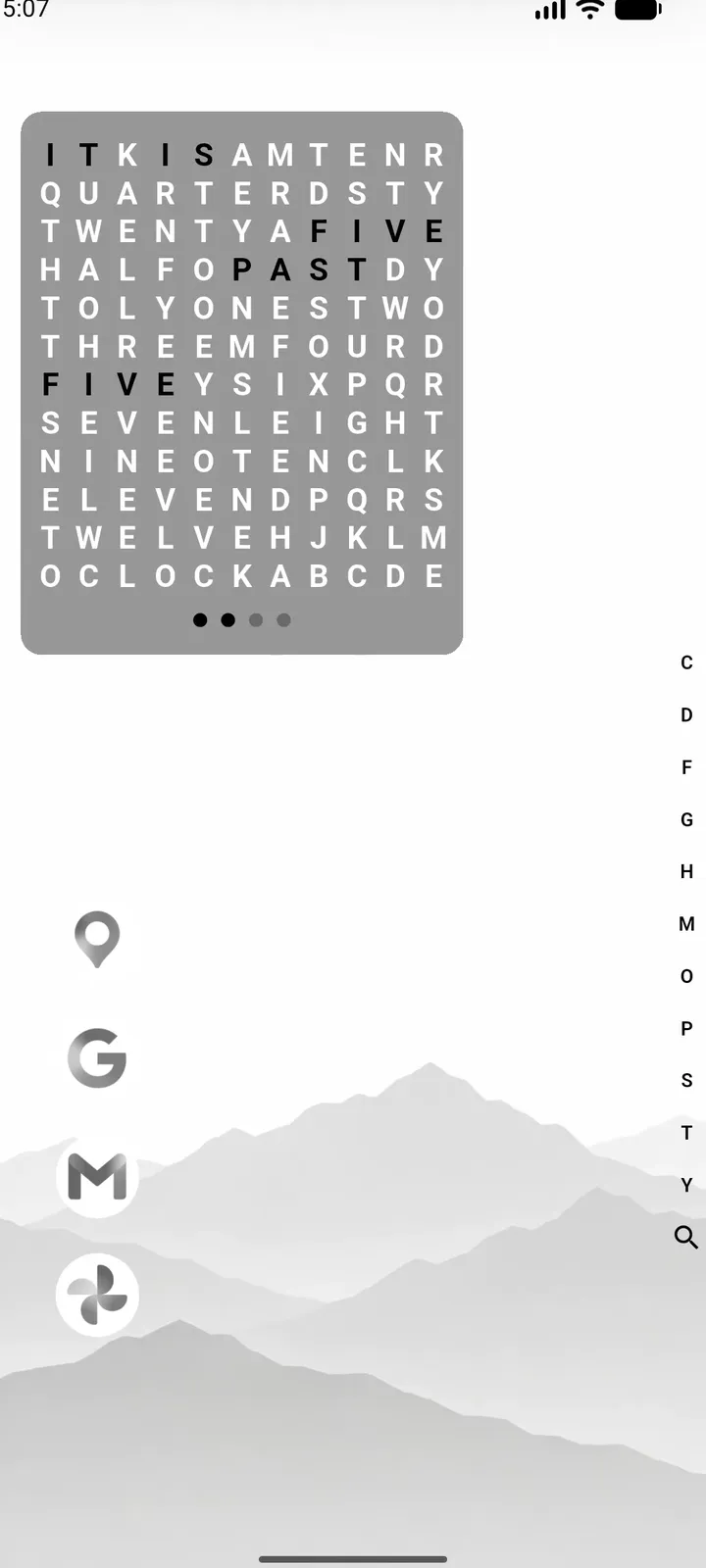
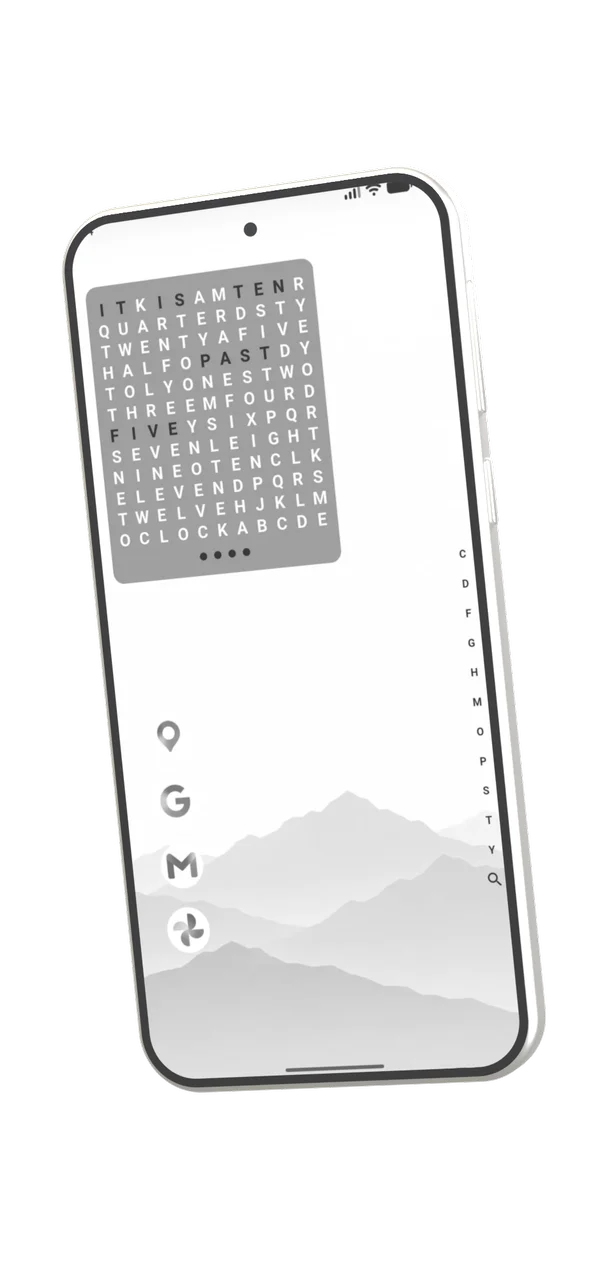
hanneslauncher home screen with a word clock and a few pinned apps
Note· Hannes

I’m Hannes, and I’ll say it plainly: everything in this project was made with AI. The app’s code, the trailer, this website. Yes, it’s vibe-coded. But not blindly. I can program, I read what the AI writes, I decide what goes in and what gets cut, I try every build on my own phone and I fix what breaks. And it won’t be left to rot, because I use it myself every single day.

  • ☑made entirely with AI
  • ☑checked by me
  • ☐give up the project

The launchers I tried …

  • … wanted money.
  • … showed ads.
  • … kept their code closed.

So I built my own.

  • Free.All of it. There is no premium tier.
  • No ads.Not one. The app has no ad or tracking library in it.
  • Open source.MIT license. Every line is on GitHub.
Sliding a finger along the alphabet bar to find an app

Every app, one motion.

  1. Run your finger down the letters
  2. Slide left to pick a row
  3. Let go, and it opens

The bar only shows letters that actually hold something. At the bottom sits the magnifier for a full search.

This page has one too. Try it on the right edge.This page has one too. Drag along the right edge.

Pull down. The rest is here.

It follows your finger one to one and is made of blocks, in any order you like.

Pulling down the panel with calendar, notes and notifications

App row

0 to 6 icons per line

17:12Mo · 14 °C

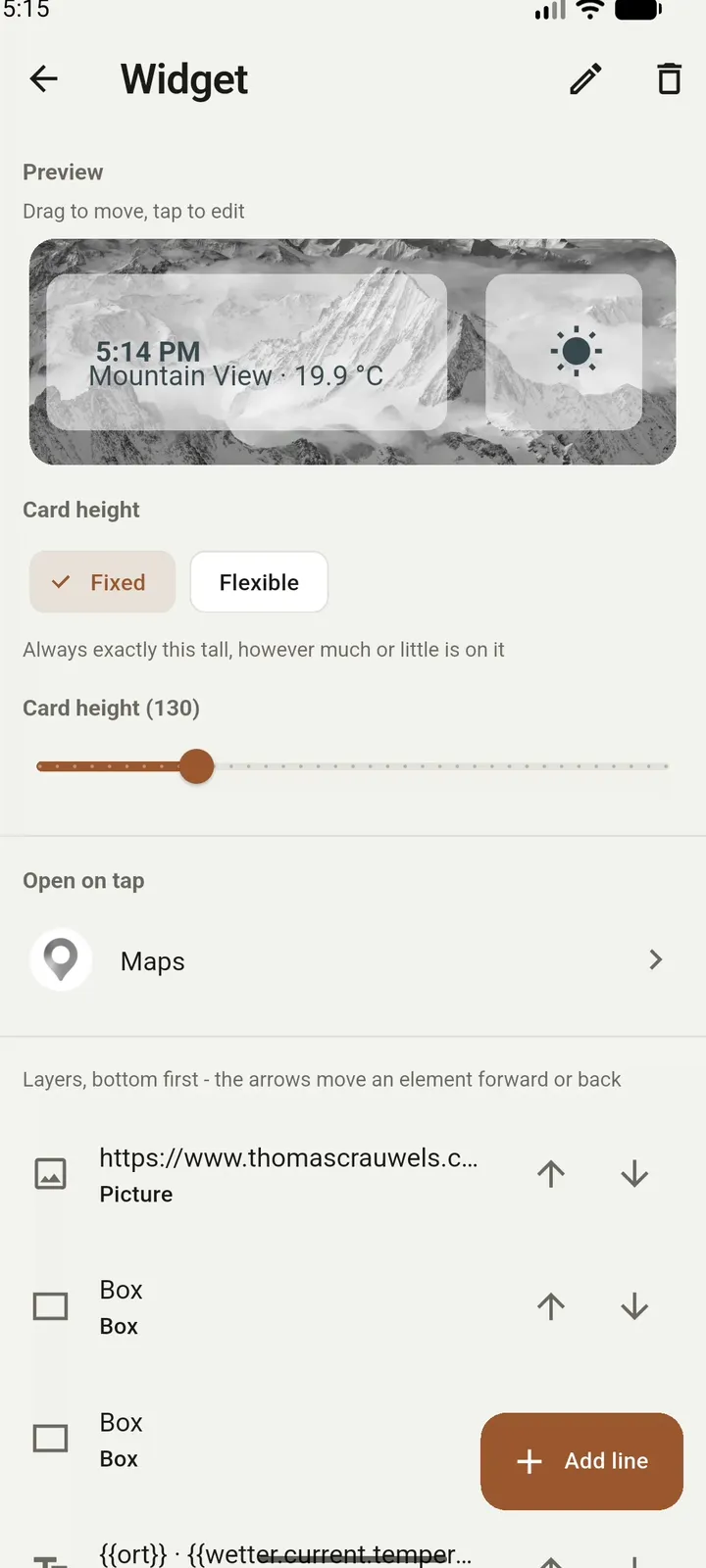
Widget

A card you build yourself

09:0013:3018:00

Calendar

The next few days, from the calendars already on your phone

todoshopgo home

Notes

A written note, with formatting

<b id=t></b>
t.textContent =
  launcher.get(
  'wetter.…')

Code

HTML, CSS and JavaScript you write

Notifications

What’s waiting. Swipe one away to clear it

Data sources, the calendar and the notification list only refresh when the panel opens. A panel nobody pulls down costs no data.

Widgets don’t come from other apps. You build them.

Text, icons, images, boxes and buttons. Drag them into place right on the card.

{{zeit}}
{{wochentag}}

Drag the pieces

Dragging a self-built widget onto the home screen

Any JSON address can be a data source. Once it answers, every value in it is a placeholder:

{{wetter.current.temperature_2m}}
  • {{zeit}}
  • {{datum}}
  • {{wochentag}}
  • {{ort}}
  • {{akku}}
  • {{sonnenauf}}
  • {{mondphase}}
  • {{schritte}}

Change everything. Break nothing.

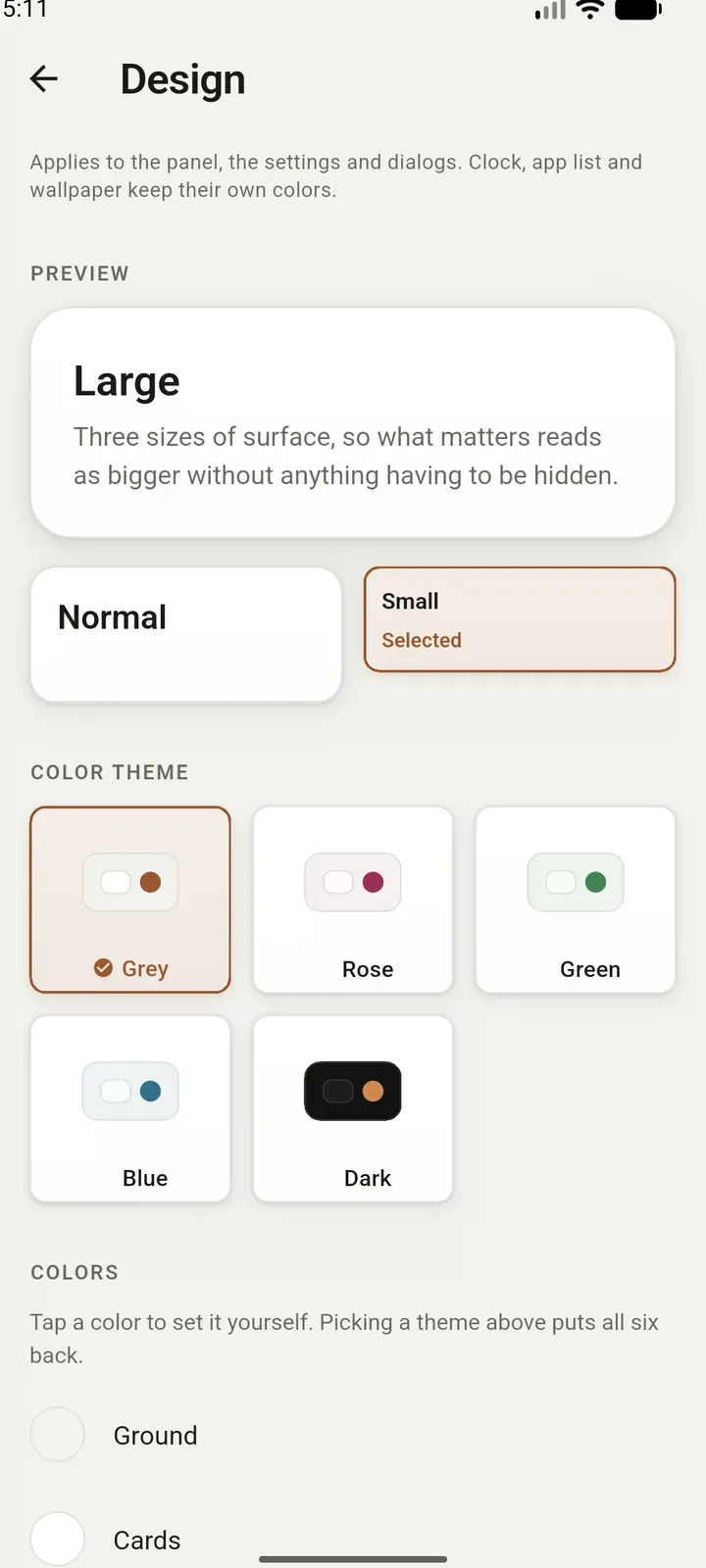
Every value has bounds, so no combination of them can look broken. Try it: these controls change this whole page.

Color theme
LargeThree sizes of surface, so what matters reads as bigger.
Normal
Small

Every size comes from the golden ratio. Spacing runs 4, 8, 12, 20, 32, 52, and each step is the sum of the two before it.

Switching between colour themes of the launcher

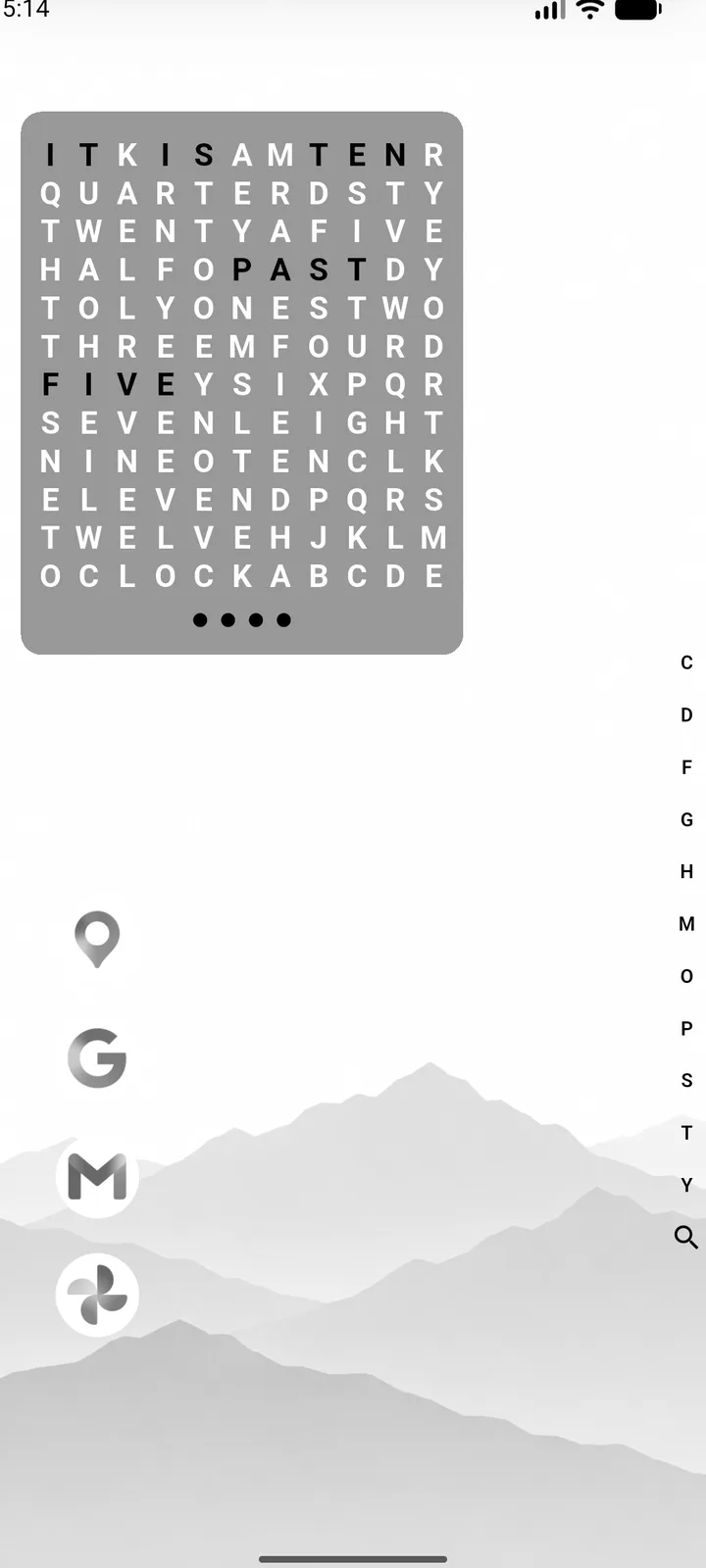
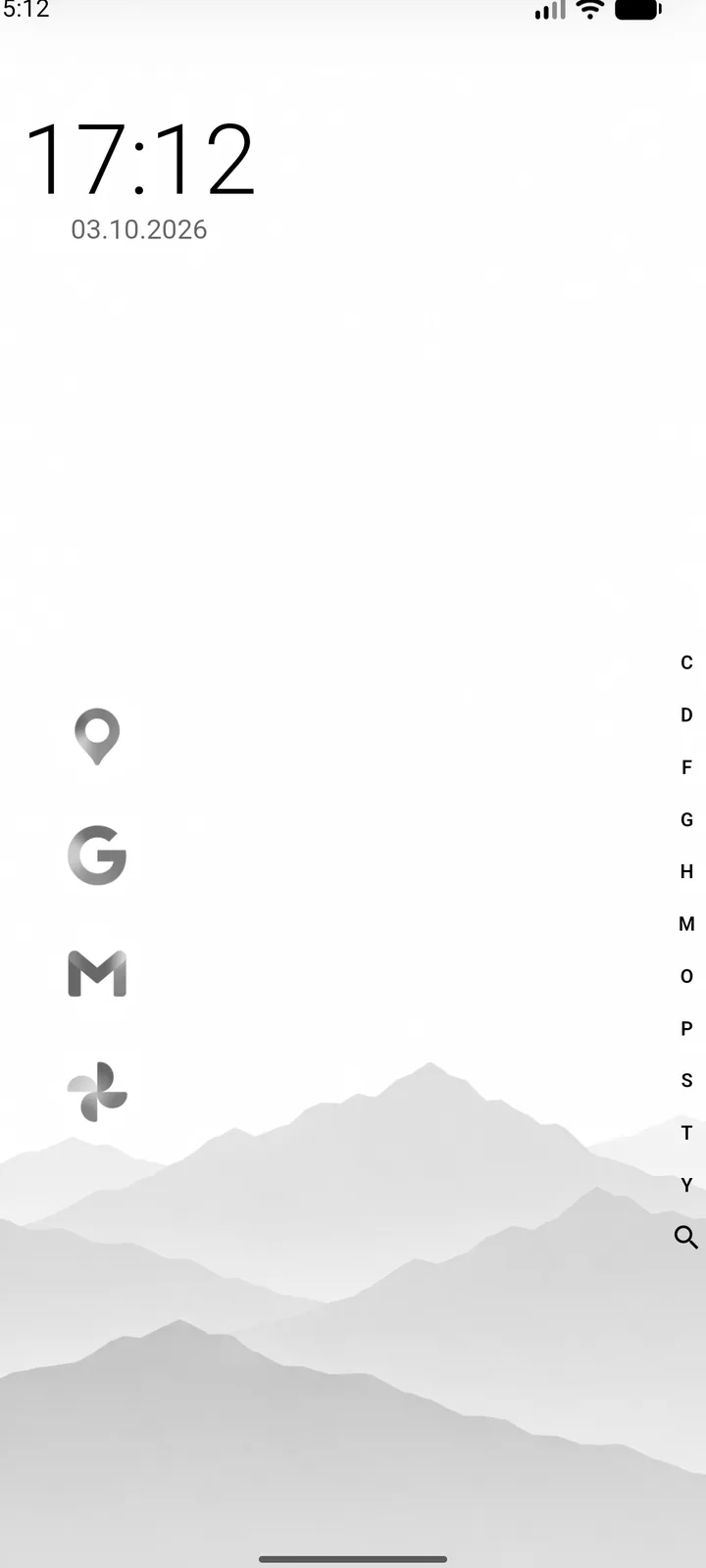
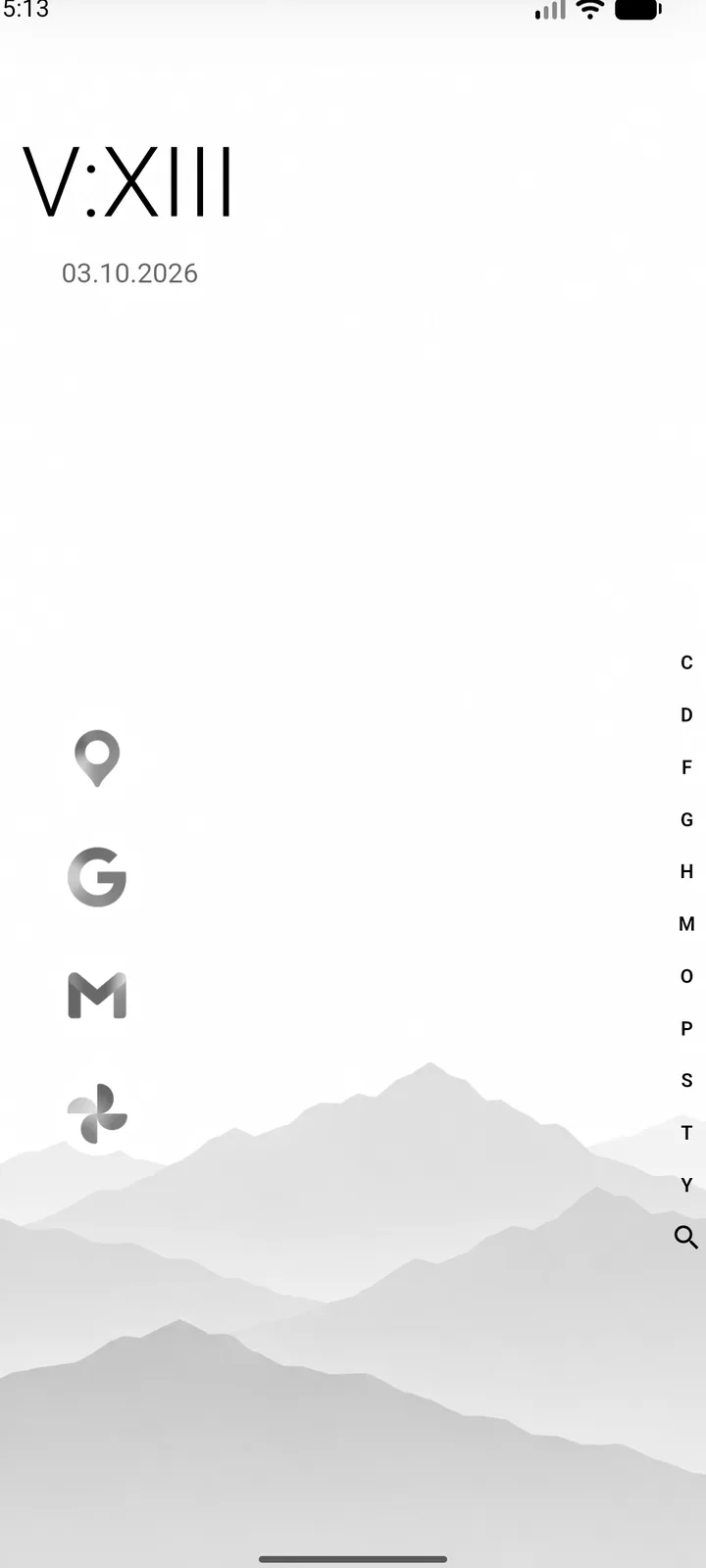
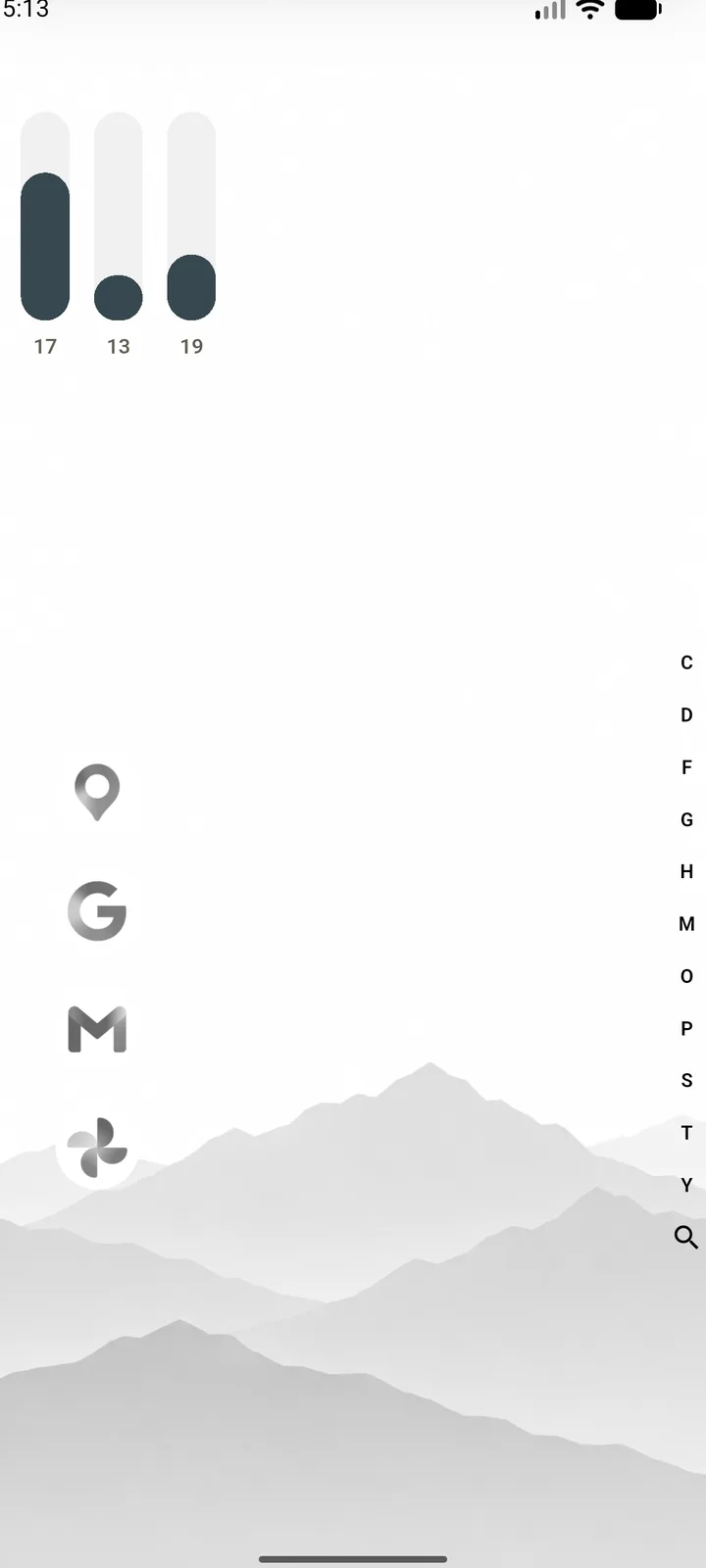
Eight clocks. Pick one.

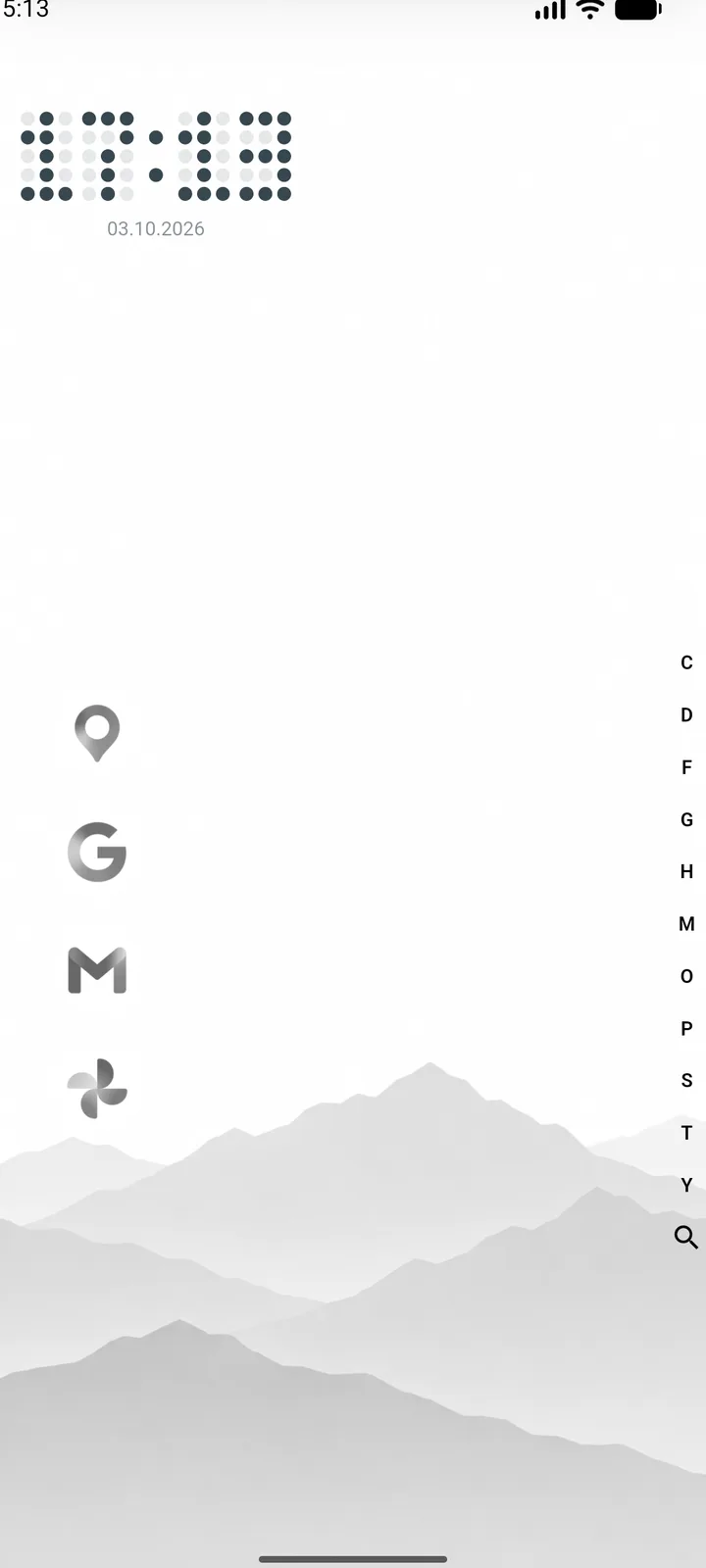
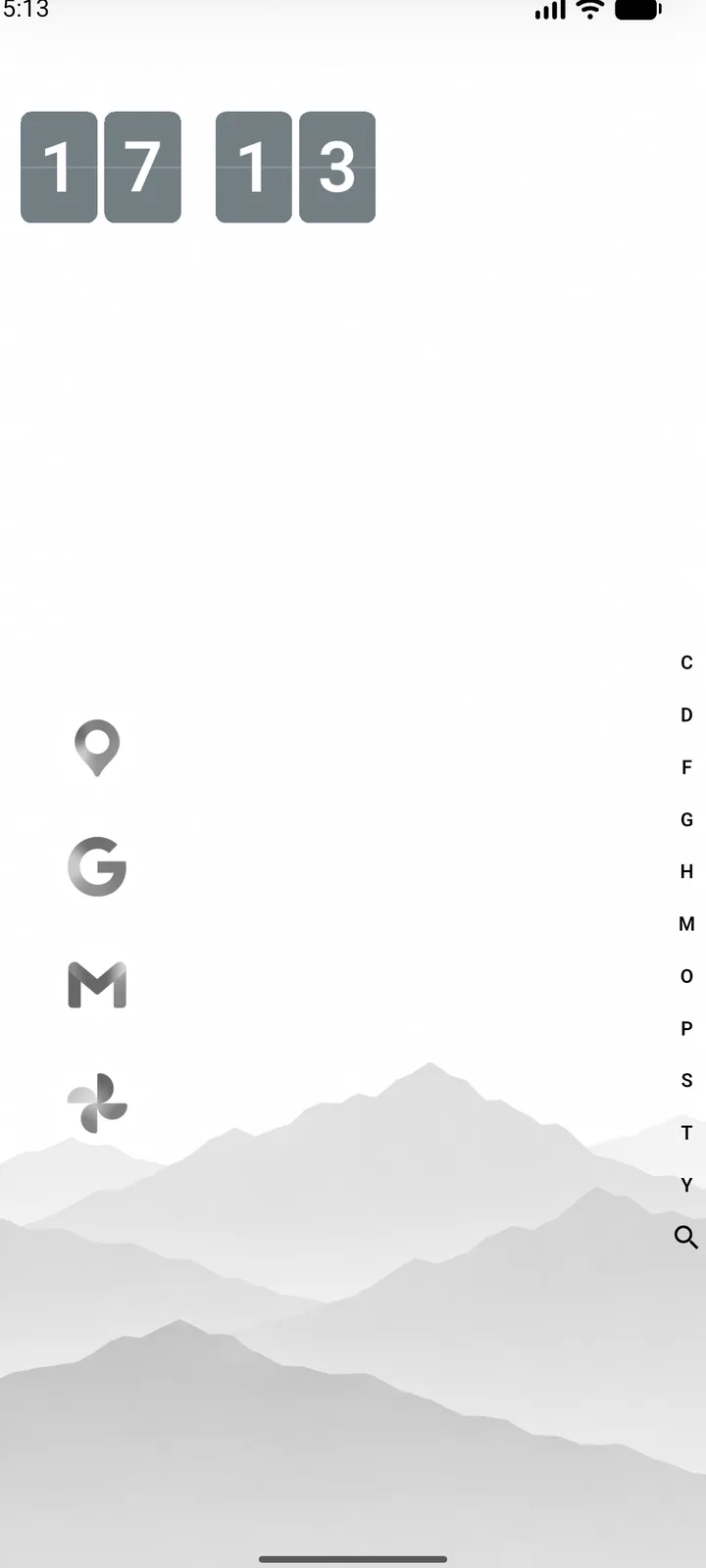
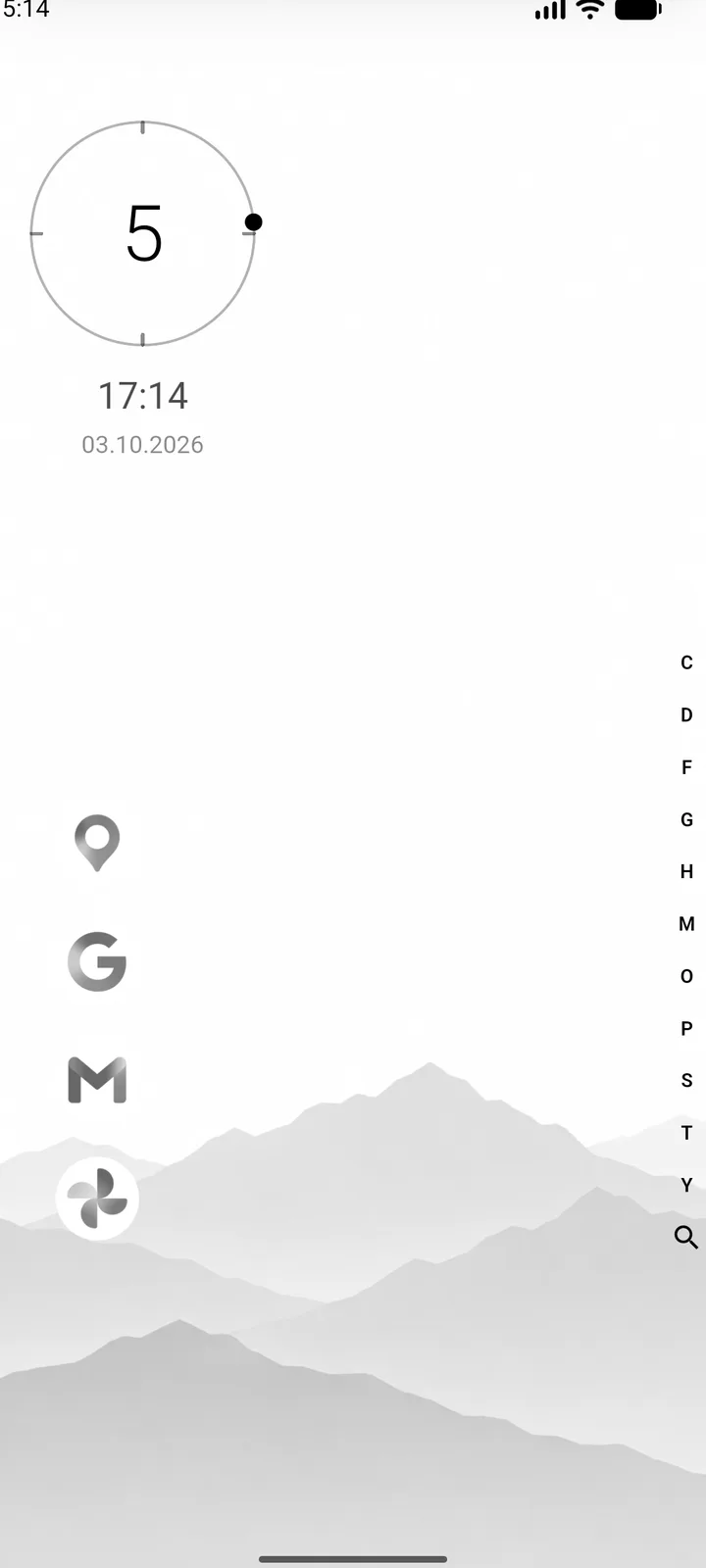
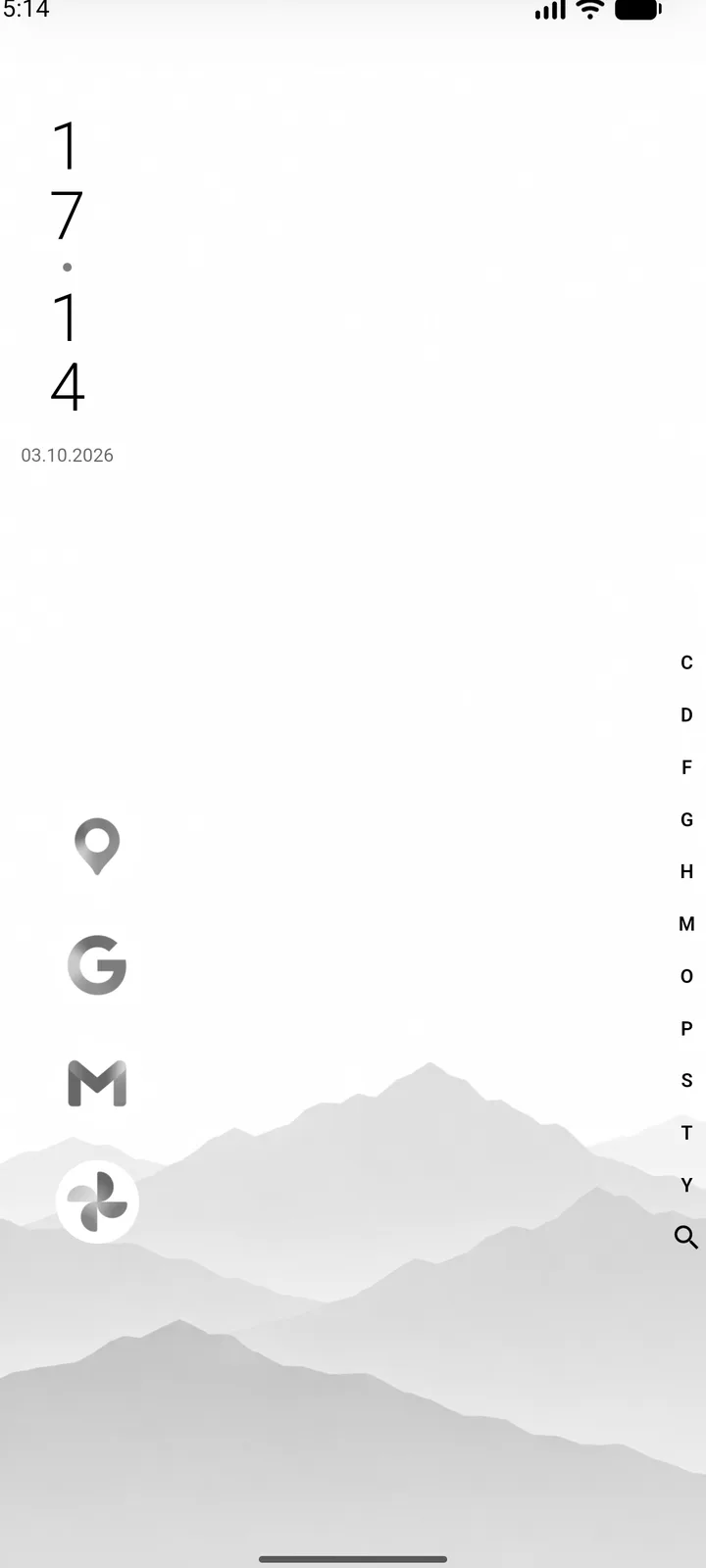
Each with its own colors, plus position, alignment and distance from the top.

Custom word clock
Custom word clock
Digital
Digital
Roman numerals
Roman numerals
Bars
Bars
Dot matrix
Dot matrix
Split-flap
Split-flap
Orbit
Orbit
Vertical
Vertical

One phone. As many home screens as you like.

A user is everything about how the launcher looks: wallpaper, design, clock, pinned apps, folders, the panel and its widgets. There’s always the main one, and every new one starts out empty.

  • One tapSwitch in the settings, or right from the top of the panel once there’s a second user.
  • Shared by allLanguage, lock screen and the secret folder stay the same. A new user never shows your hidden apps.
  • In every backupAll users go into the backup, with their wallpapers and code widgets.
Home screen of one of several users

there’s the rest.

Draw a shape, open an app.A heart, a house, a zigzag. It’s recognised anywhere on the home screen, at any size.
Search that ranks.“ytm” finds YouTube Music. “17*24” answers 408.
  • TerminalUbuntu syntax on Android’s own shell
  • Code widgetsHTML, CSS and JavaScript on your panel
  • Icon packsTen pack formats recognised
  • One-color iconsEvery icon re-tinted to one color
  • App pairsTwo apps side by side, as one entry
  • FoldersNested as deep as you like, each its own color
  • Web appsLinks and PWAs behave like apps
  • Kept shortcutsA chat becomes an icon on your home screen
  • Secret folderApps hidden behind a password
  • Offline modeClock on black, landscape, screen stays on
  • BadgesA dot or a number, and only the count is read
  • BackupsOnce a day, and right before every update
  • WallpapersPicture, GIF or video, silent, still when hidden
  • Lock screenSets Android’s own lock screen too
  • HapticsOne tick per letter, off to firm
  • Settings searchGerman and English at once
  • UpdatesChecks GitHub and installs new versions itself
  • Two languagesGerman or English, following your phone

110 seconds.

Open on YouTube ↗
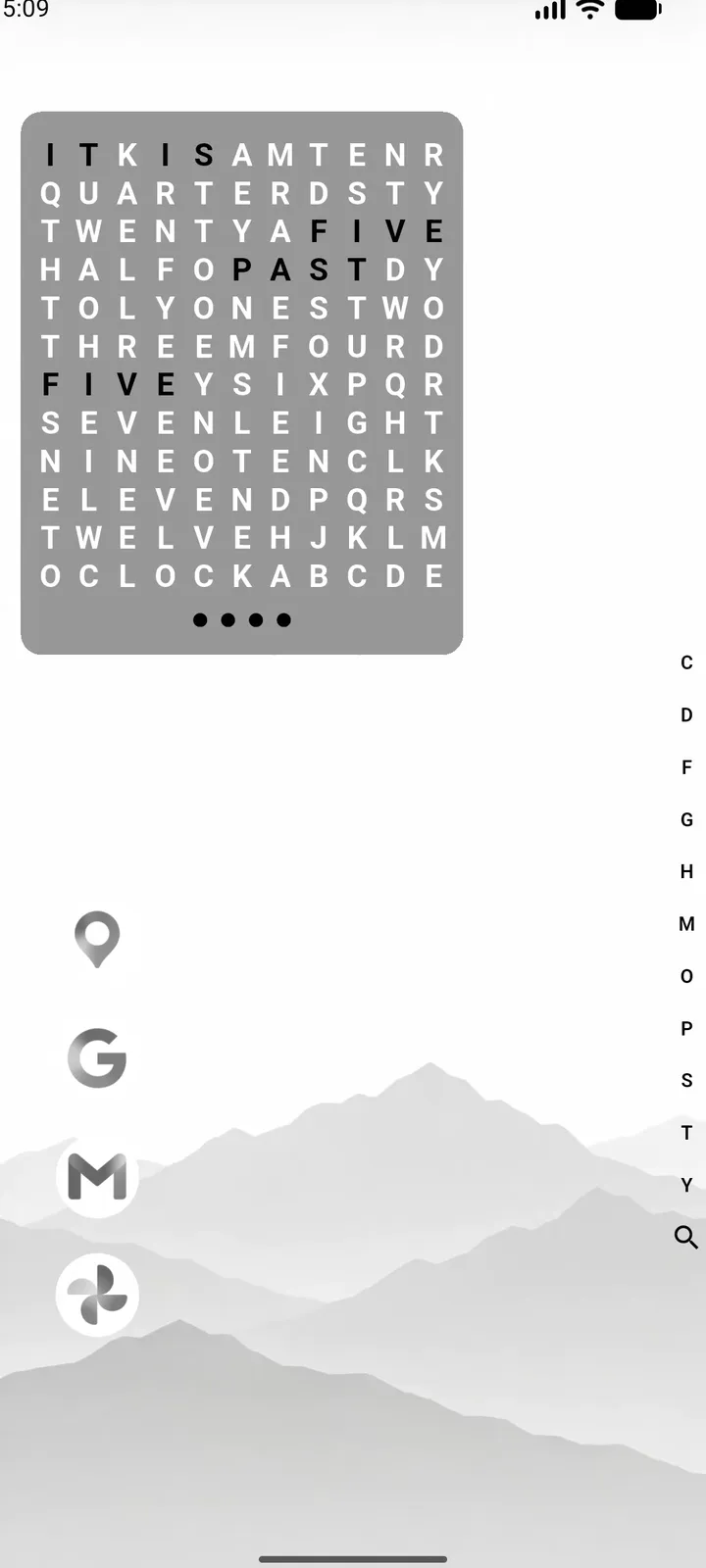
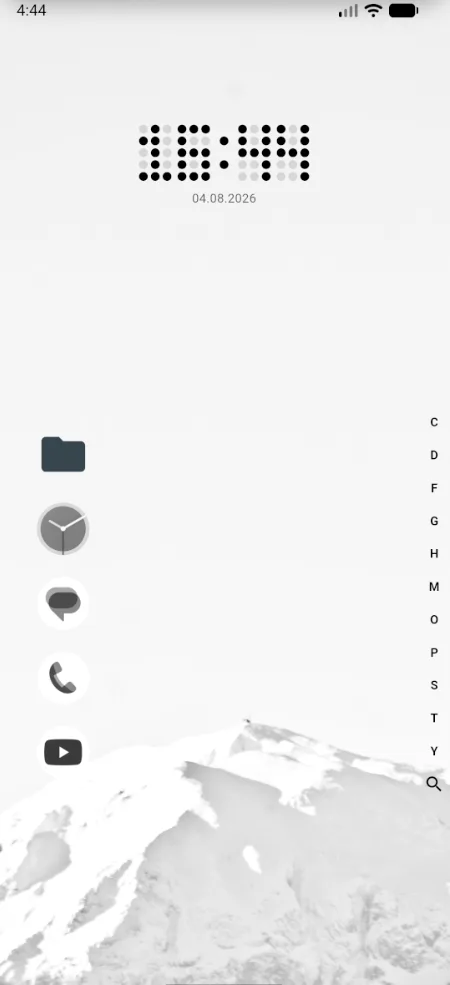
hanneslauncher home screen with the dot matrix clock

Three steps.

Download started. Here’s what comes next:

  1. Download the APKStraight from GitHub. The file is called hanneslauncher plus the version number.
  2. Install itOpen the file from your downloads. The first time, Android asks whether your browser may install apps: allow it, go back and tap Install. That’s normal for apps from outside the Play Store.
  3. Make it your home appOpen hanneslauncher once. It walks you through making it your home app, and the same switch stays under Settings, App, Default home app. Later updates arrive inside the app.
Downloadv1.24.0· 67 MB

Android 7.0 or newer

For notification badges and the notification block, Android first blocks notification access for apps from outside the Play Store. Open the app info, tap the three dots at the top right and choose “Allow restricted settings”.